macOS 27.3 Changes AI Agent Permissions: What Startups Should Do
On November 16, Apple split the Mac's most powerful app permissions and nudged users toward granting less. If your AI product drives other apps or reads files on a Mac, your onboarding just became part of the product.
macOS AI agent permissions just got stricter, and more honest. On November 16, Apple announced in macOS 27.3 beta 2 that it is splitting the Mac's broad Device Control and Data Access setting in two, nudging users to grant access only to the specific apps and folders they need, and showing an indicator whenever one app is controlling another. If your startup is building an AI agent that clicks through other apps, reads local files or automates work on a Mac, the permission screen is now one of the most important screens in your product.
This piece covers what Apple changed, why it matters for desktop AI agents, and how to design and build for it. It comes from how we plan every AI MVP we build: an AI feature is only as useful as the access people are willing to give it.
What Apple changed in macOS 27.3
Apple's developer news post says the goal is more transparency and more granular options for two powerful permissions: Device Control and Data Access, and Full Disk Access. Apple is direct about the reason: granting that kind of access puts all of the data on a Mac at risk, and users should understand that before they say yes. The changes include:
- Two settings instead of one. Device Control and Data Access becomes System & App Protection Override, and Accessibility.
- One way to grant permission. Users pick the requesting app from a list.
- Guidance toward less. Users are encouraged to grant access only to the specific apps (for System & App Protection Override) or folders (for Full Disk Access) their workflow needs.
- More visibility. The system shows the wide range of data an app could reach or control with full permissions.
- Ask every time. Users can set an app to ask whenever it needs access.
- A live indicator. The Mac shows when a requesting app is controlling another app through System & App Protection Override.
Two details matter for planning. Permissions users already granted stay in effect, so the change lands on new installs and new requests. And apps that use Full Disk Access for disk backup, or the new Accessibility settings for assistive technologies, can request entitlements to keep the experience they had before macOS 27.3, with more details to come.
Why macOS AI agent permissions matter for your product
A large share of new AI products on the Mac are agents: tools that read what is on screen, move between apps, file documents or take actions on the user's behalf. That kind of product depends on exactly the access Apple is now slicing up and explaining more plainly.
Three things change for those products:
- Users will grant less by default. When the system recommends picking specific apps or folders, many people will. Your agent may see the email client but not the browser, or one project folder but not the whole drive.
- "Ask every time" becomes a real mode. Some users will choose it. An agent that runs long tasks in the background has to handle being stopped at the door mid-task.
- Control becomes visible. The indicator tells users when your app is driving another app. That is good for trust, and it means every action your agent takes is now something the user can see happening.
None of this stops a good product. It punishes a vague one. An agent that asks for everything on first launch, with no clear reason, will lose people at the permission screen.
Design the permission moment, not just the prompt
The system dialog is Apple's. The minute before it is yours. That moment decides whether a new user grants access, grants a little, or quits. We cover the wider principles in the UX patterns that make AI products trustworthy, and they apply directly here:
- Show value first. Let people see what the agent does, with sample data or one harmless task, before you ask for anything powerful.
- Ask in context. Request access to a folder when the user first tries to work with that folder, not in a wall of requests at setup.
- Say exactly why. "To file invoices from your Downloads folder into Accounting" beats "to work properly." Name the app or folder and the job.
- Ask for the smallest scope that works. If one folder is enough, ask for one folder. Users will see the system recommend the same thing.
- Make the agent's actions readable. Pair the system's control indicator with your own log of what the agent did and why, so the indicator never feels like a surprise.
Trust is designed in, not added later. When we built Raziel, an AI platform for investors, the starting point was that investors will not upload a cap table to an app they do not trust. Security and control were designed into the product from day one, and the AI document import stays optional and under the investor's control. A Mac agent asking for access to someone's files faces the same test.
 Case study · RazielEvery alternative investment, in one place.See the work
Build for partial access
Apple tells developers to make sure their apps can handle having access to only a limited set of folders or apps. For an AI agent, that is an engineering requirement, not a polish item.
- Check access before every task. Never assume yesterday's permission still covers today's job. Detect what the agent can reach and plan the task around it.
- Degrade, do not fail. If the agent can reach three of four apps, finish what it can and clearly list what it could not do, with one tap to grant the missing piece.
- Handle "ask every time" gracefully. Break long tasks into steps that can pause for approval and resume, instead of one run that dies when access is refused.
- Test the narrow paths. Run your test suite with full access, partial access and no access. Most permission bugs live in the middle case.
- Keep the user's data close. The less the agent sends off the device, and the less it stores, the easier it is to justify the access it asks for.
What to do before macOS 27.3 reaches your users
If you already ship a Mac app that uses these permissions, use the beta window:
- Install macOS 27.3 beta 2 on a test Mac and go through your onboarding as a brand new user.
- Write down every permission you request, why, and the smallest scope that would still work.
- Rewrite the screens before each request so they name the app or folder and the job.
- Add clear states for missing, partial and per-use access, including a path to fix each one.
- If you build backup or assistive technology, watch for Apple's entitlement details.
If you are still planning, put permissions in the scope from day zero. In a 30 to 60 day build, the permission flow is a core flow, designed in the first week's sprint alongside the main task, not bolted on before launch.
Should your AI MVP be a Mac app at all?
Sometimes the right answer to stricter permissions is a different platform. Ask where the job actually happens:
- Inside desktop apps or local files: a Mac agent may be the only way to do the job well. Budget for permission design and testing.
- In web tools with APIs: a web app that connects through each service's official integration is usually faster to ship, easier to explain and simpler to secure.
- On the phone: look at Apple's newer integration paths first. We covered one in what Siri AI app integration means for startups.
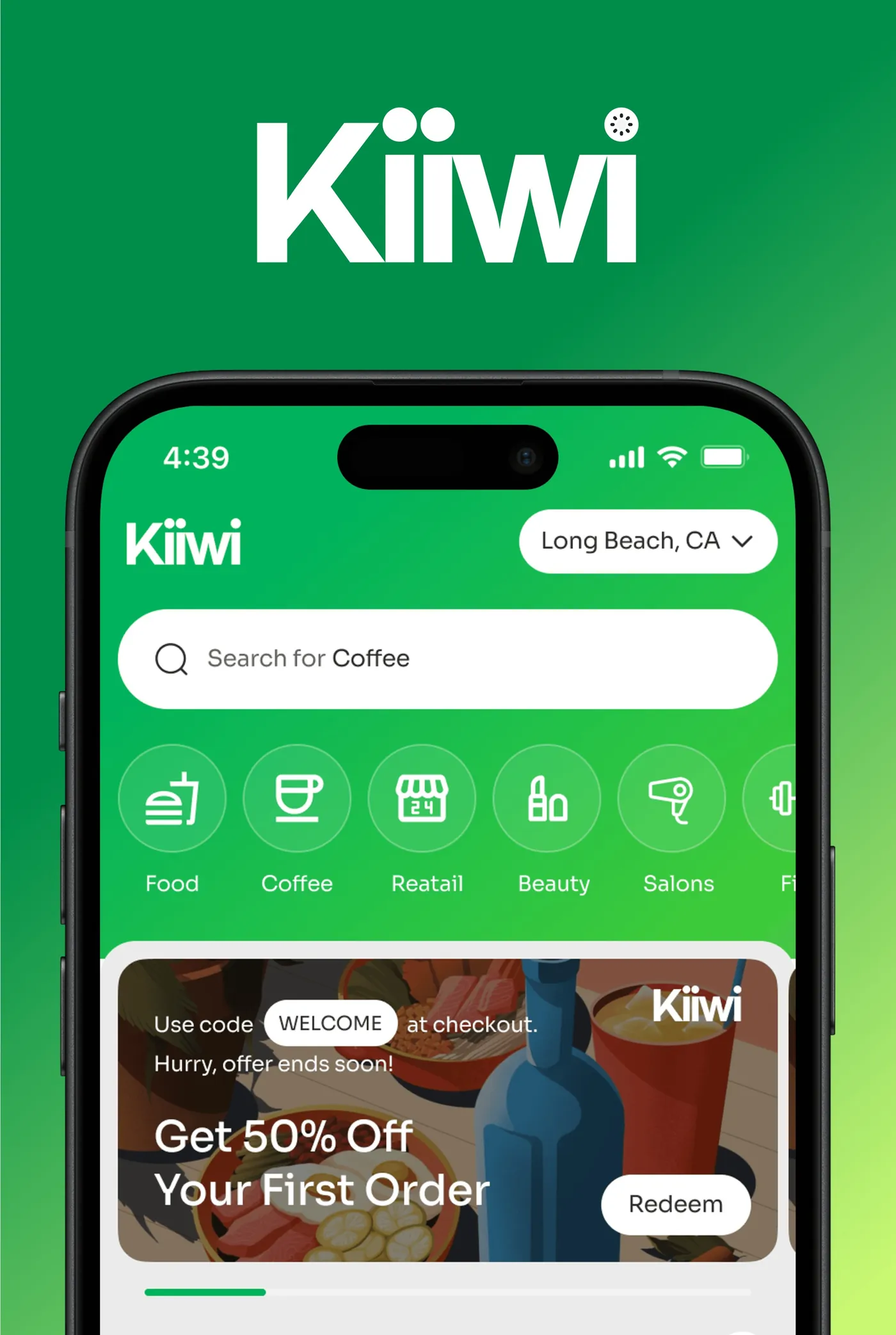
Whatever you pick, scope one product first. KIIWI went from concept to launch with King Tide on product design and engineering by staying focused on one job for one audience. At King Tide, AI MVPs start at $4,999 for a focused first version, and a full AI MVP is usually around $15K, at a fixed price agreed before the build starts.
The takeaway
Apple is making powerful Mac permissions narrower, more visible and easier to refuse. For AI agents, that turns onboarding into product design: show value before you ask, ask for the smallest scope in context, say exactly why, and build an agent that still does useful work with partial access. Do that well and the new indicator becomes proof your product behaves. If you are planning a desktop AI agent and want a second opinion on the scope, tell us about it.
Questions founders ask
What did Apple change in macOS 27.3 permissions?
In macOS 27.3 beta 2, released on November 16, 2026, Apple split Device Control and Data Access into two settings, System & App Protection Override and Accessibility. It also added guidance that encourages users to grant access only to specific apps or folders, an option to make apps ask every time, and an indicator when one app is controlling another.
Do the macOS 27.3 changes break apps that already have permission?
Apple says all app permissions users granted before remain in effect. The changes apply when users approve new permission requests, so new installs and new users are where most apps will feel it.
How do the changes affect AI agent apps on the Mac?
Apps that control other apps or read files across the Mac will see users grant narrower access more often, or choose to be asked every time. An AI agent has to explain why it needs access, work with only some apps or folders, and recover cleanly when access is missing.
Is there an exception for some apps?
Apple says apps that use Full Disk Access for disk backup, or the new Accessibility settings for assistive technologies, can request entitlements to keep their current experience for new installations. Apple says more entitlement details are coming.
Should my AI MVP be a Mac app or a web app?
Pick the platform where the job happens. If the agent has to work inside desktop apps or local files, a Mac app may be worth the extra permission design. If it works on data you can reach through APIs, a web app is usually faster to ship and easier to trust.