Siri AI Opens to Every App: What Startups Should Build Now
On November 3, Apple put Siri AI in front of every developer with a preview in the 27.3 betas. Customers get it in a few months and App Store submission opens in the spring, so the planning window is now.
Siri AI app integration is now open to every developer. On November 3, Apple released a Developer Preview in the iOS 27.3 betas that lets any app put its content and actions inside Siri AI through App Intents, so people can ask for what they want in their own words and Siri AI runs the action in your app. Customers get it in a few months and App Store submission opens in the spring, which gives startups one quiet season to get their actions in order.
This piece covers what Apple shipped, what it changes for a young product, what to build first and what to leave alone. It comes from how we plan the iOS side of every AI MVP we build: the actions a user takes most often should be easy to reach from anywhere, not only from inside the app.
What Apple announced on November 3
Apple's developer news post sets out the parts that matter to a founder:
- Any app can join. The preview runs in the iOS 27.3, iPadOS 27.3, macOS 27.3 and visionOS 27.3 betas, and lets any developer bring content and actions into Siri AI.
- App Intents is the way in. Apps describe their actions and data with the App Intents framework. Siri AI then uses personal context, onscreen awareness and natural language to run those actions, from checking a delivery to booking a reservation to placing an order.
- Skills for multi-step requests. Apple is introducing skills, which teach Siri AI how to combine several actions into a single experience.
- Your data in search. Siri AI can now surface any entity in the Spotlight semantic index, not only ones that fit an existing schema.
- A timeline with no dates yet. The preview comes before first shipping to customers "in a few months," and App Store submission opens in the spring. Apple says more details on terms and usage policies will follow.
- Limits worth knowing. Siri AI needs an Apple Intelligence device in a supported language, is unavailable in the EU on iOS, iPadOS and watchOS for now, is not available to users under 13, and has daily usage limits on features that rely on server-side models.
Apple has also published Siri AI Developer Preview documentation inside the App Intents docs.
What Siri AI app integration changes for a startup
For most of the iPhone's history, a feature only existed for the people who opened your app and found the right screen. Siri AI moves part of the product outside the app. If someone can say "pay my share of the formal" or "show me deals near me before six" and the right action runs, the screen they would have tapped through matters less than the action behind it.
That shift has three practical effects.
Discovery happens through actions, not icons
Apple frames Siri AI as a way for customers to "discover and use apps just by asking." A well-described action can be found by someone who never thought to open your app for that job. That is a new top of the funnel, and it rewards apps with clear, specific actions over apps with vague ones.
Your app's verbs become part of the product
Every product has a short list of verbs: book, send, pay, log, check, reorder. Siri AI integration forces you to name them precisely and decide what each one needs as input. That is good product hygiene even if voice never becomes a big channel for you.
Trust is still your job
Siri AI can run an action, but your app decides what happens when it does. Payments, bookings and messages need the same confirmation and undo patterns you would design for any AI that acts on a user's behalf. We cover those in designing AI products users trust.
How App Intents fit together
Apple's App Intents documentation describes the framework as a way to make content and actions discoverable by Apple Intelligence and system experiences like Siri, Spotlight, Shortcuts and widgets. In plain terms:
- App intents are the actions: "start a call," "add an expense," "redeem an offer."
- App entities are the things those actions work on: a creator, a group account, a local business.
- App enums are fixed choices, like a category or a status.
- App Shortcuts package intents so they work with no setup from the user.
The same definitions feed Siri, Spotlight, Shortcuts, widgets, the Action button and Focus modes. That is the quiet win: one piece of work pays off across several system surfaces. If your app already exposes actions to Shortcuts or Spotlight, you are closer to Siri AI than you think.
What to build first
You do not need to expose your whole app. Start with the two or three actions people repeat most.
- List your top actions. Pull them from analytics if you are live, or from your scope if you are not. Pick the ones a user would happily trigger without looking at a screen.
- Name them the way users talk. "Split a bill," not "create transaction request." Siri AI is matching natural language, so your naming is part of the interface.
- Define the entities behind them. Decide what a Siri AI request needs to identify: which account, which business, which creator. Clean entities make every action easier.
- Design the confirmation. Decide which actions run straight away and which ask first. Anything that moves money or contacts someone should confirm.
- Test in the beta, ship in the spring. Build against the 27.3 betas now, and plan the release for when submission opens. The usage policies are still to come, so keep the first version small enough to adjust.
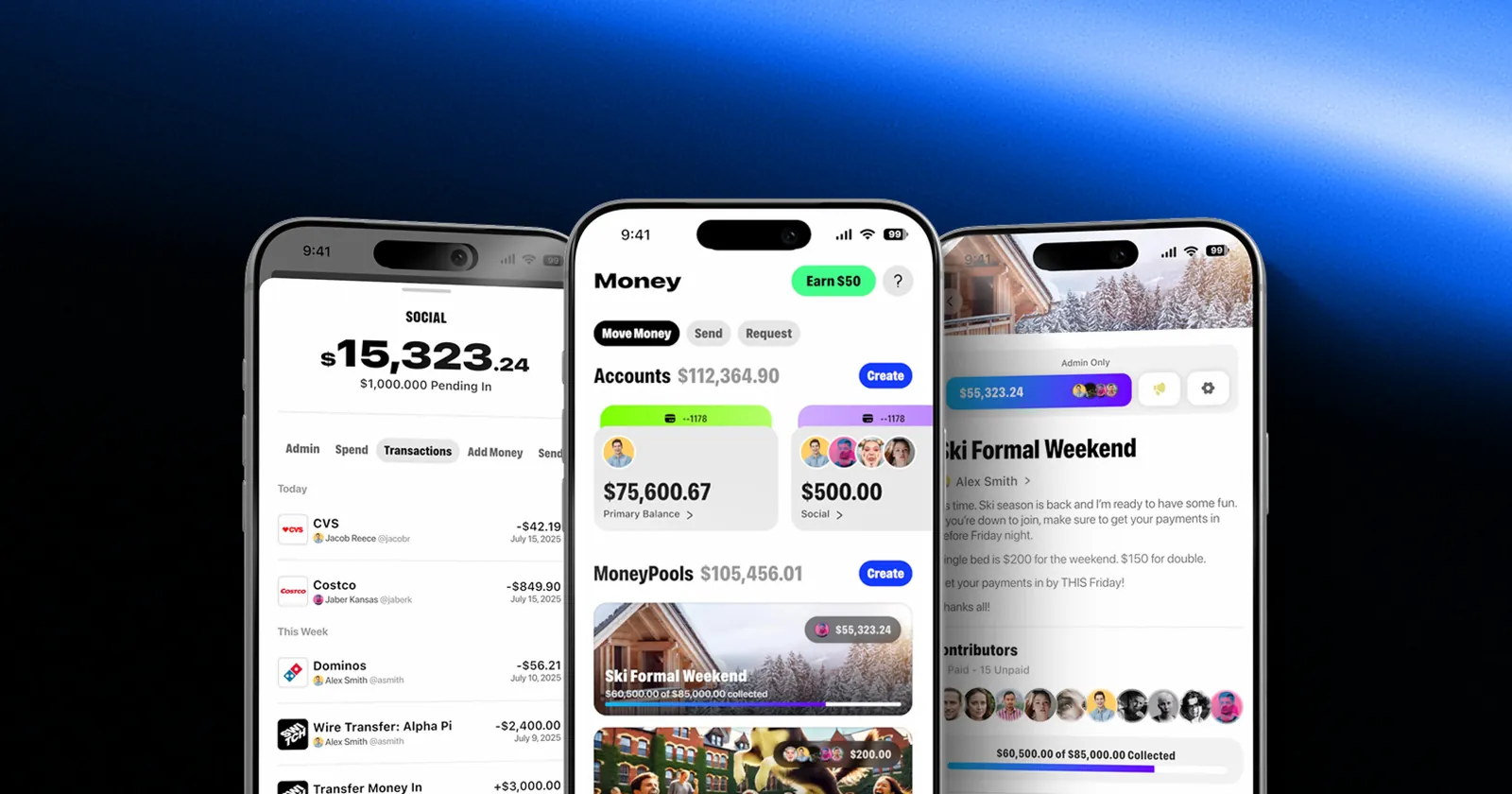
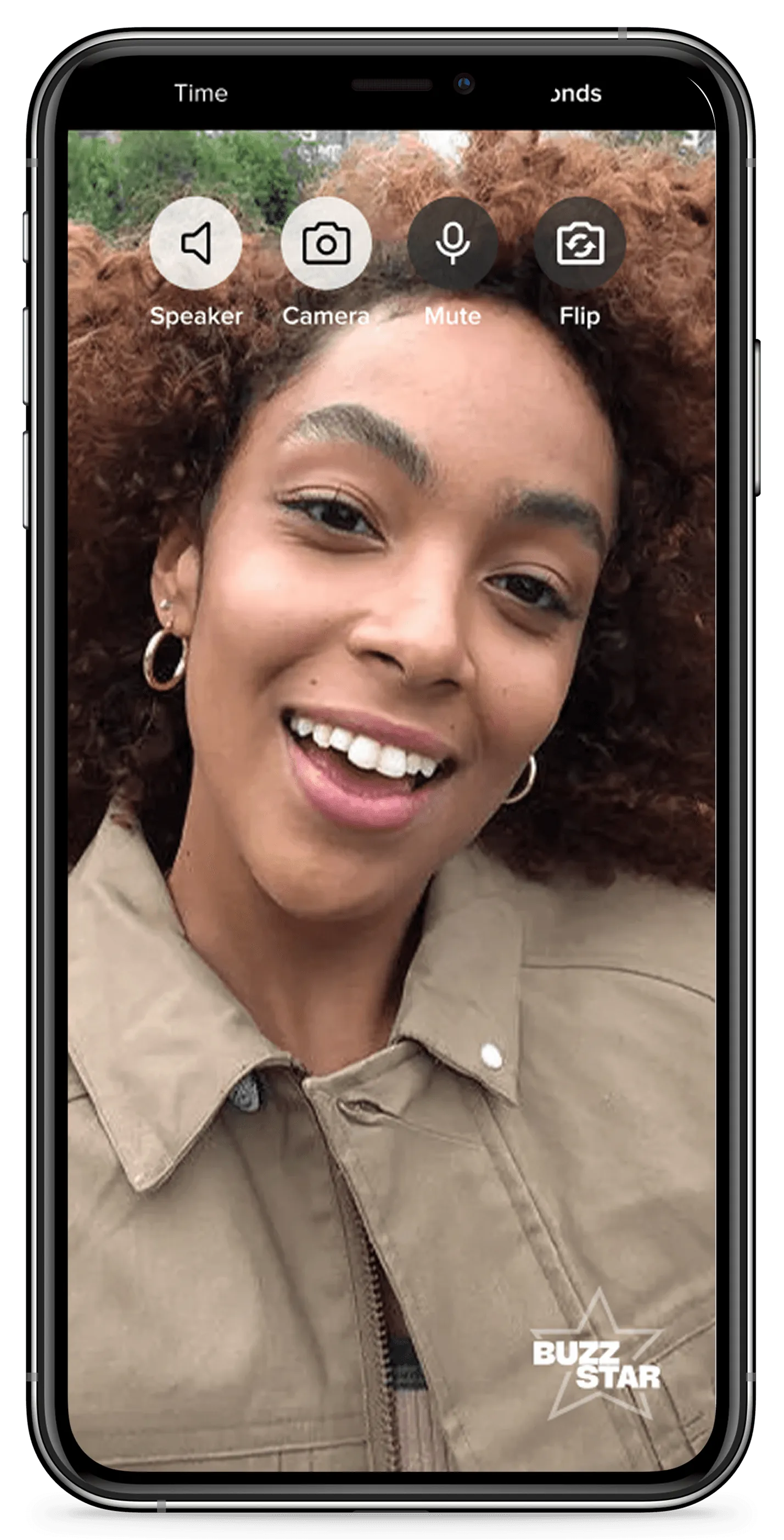
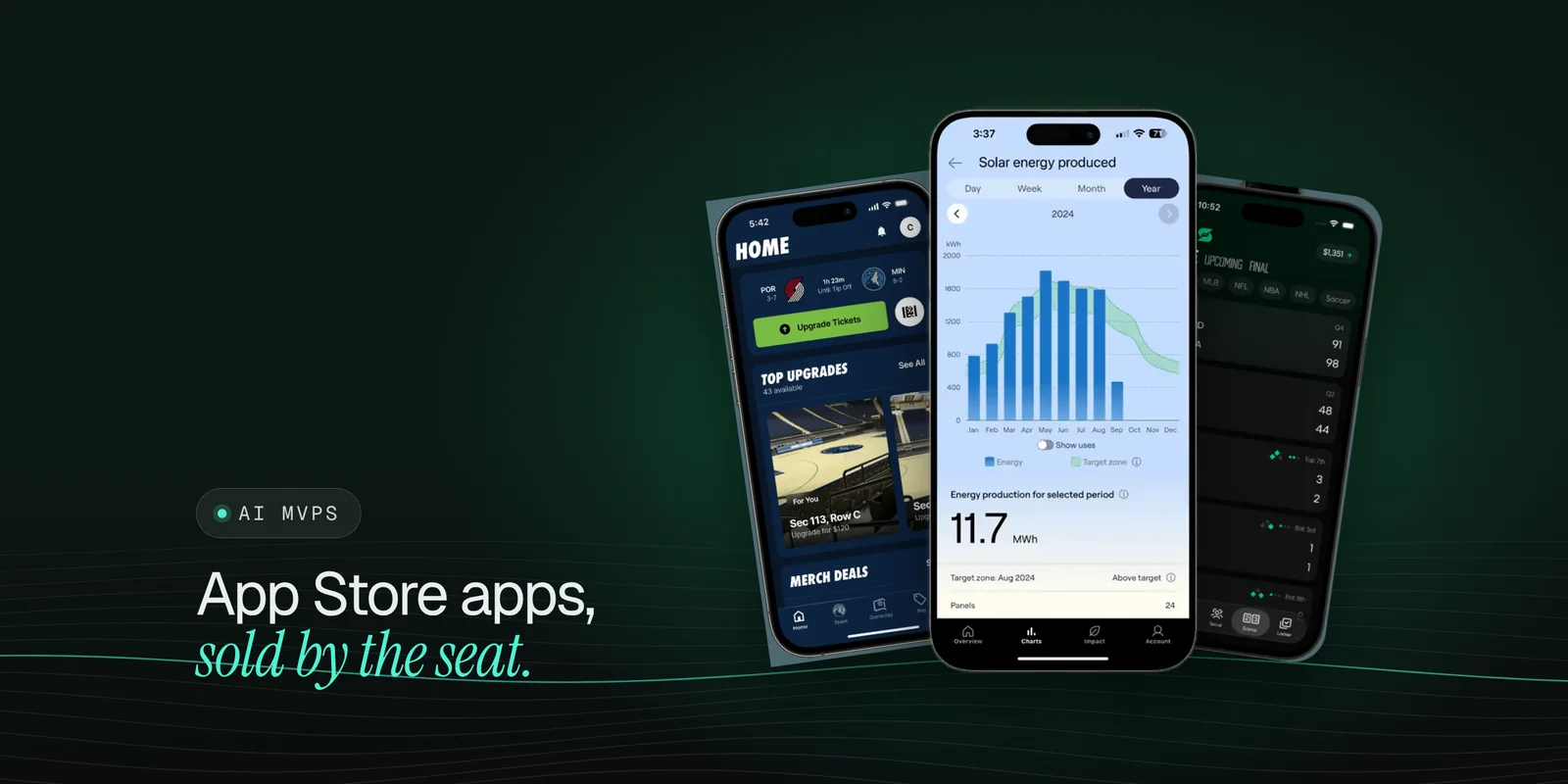
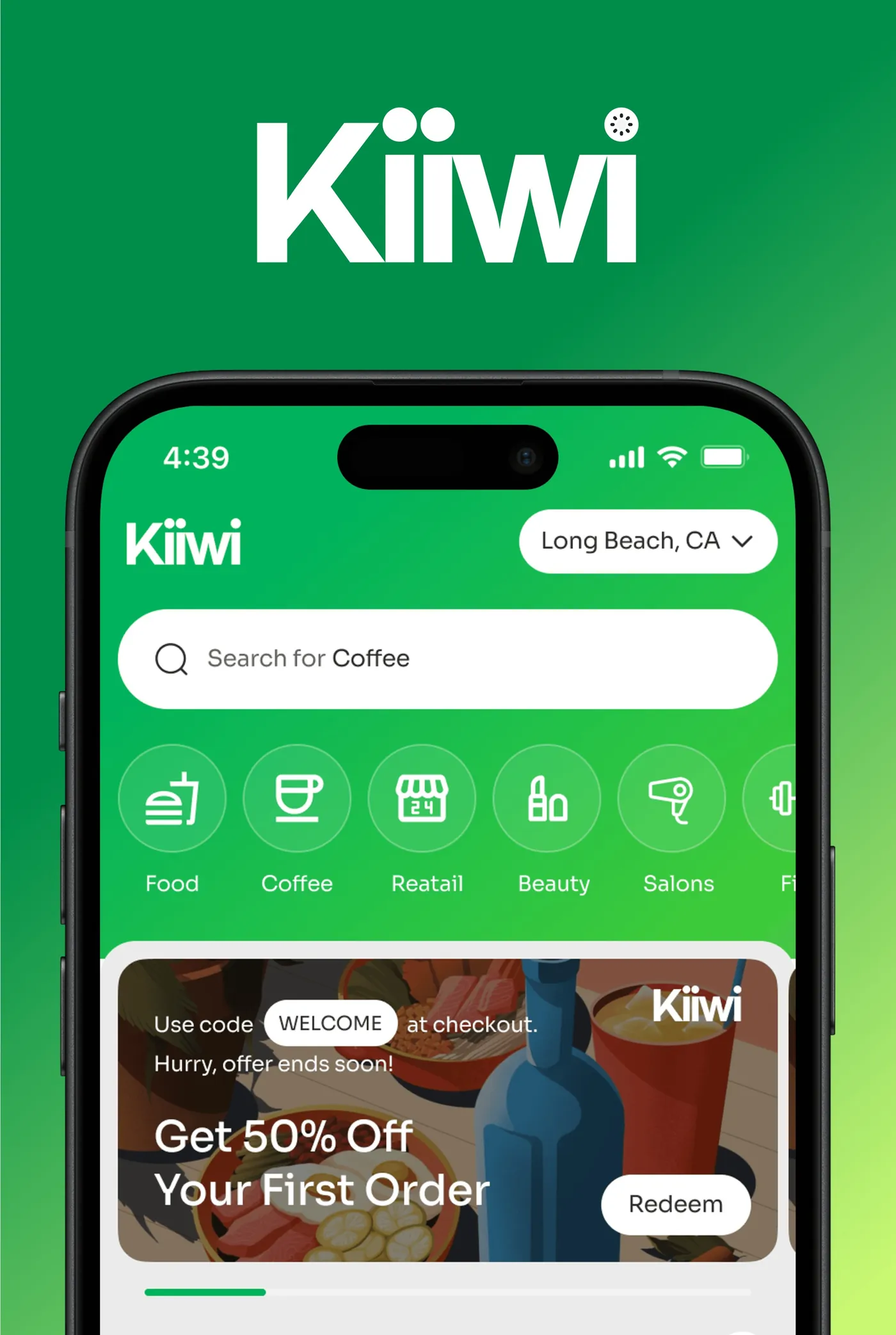
Think about the products in our own work. An app like KIIWI, which puts real-time offers from local businesses in front of nearby shoppers, has obvious verbs: find an offer, save it, get directions. A shared-money app like Switch is built on pooling and paying. A creator call app like BuzzStar runs on booking and joining calls. None of these need a voice redesign. They need their core actions described well.
 Case study · KIIWIDiscover local. Support local. Grow local.See the work
Should your MVP include Siri AI?
It depends on where you are.
Before launch. Do not make Siri AI the headline feature of a first version. Do build your core actions as clean App Intents from the first sprint, so the integration is a small step later. Keep the scope to one product that proves people want it, the way we describe in how to build an AI MVP in 30 to 60 days.
Live on iOS with real users. Add intents for your top two or three actions in the beta, test them with your own team and plan a spring release. If your audience leans toward the EU or includes users under 13, weigh that against the effort.
Planning other iOS work. Bundle it. If you are already doing an iPhone Duo layout audit, the same release can carry your first Siri AI actions.
Neither choice changes what your build costs much on its own. Our guide on what an MVP costs shows what does: scope, platforms, AI work and integrations.
The takeaway
Siri AI turns your app's actions into something people can reach by asking. The work is small and pays off across Siri, Spotlight, Shortcuts and widgets: name your top actions the way users talk, define the data behind them, design the confirmation and test in the 27.3 betas so you are ready when submission opens in the spring. If you want a senior crew to scope an iOS product with the right actions designed in from the start, book a scope call.
Questions founders ask
What did Apple announce for Siri AI developers?
On November 3, 2026, Apple released a Developer Preview in the iOS 27.3, iPadOS 27.3, macOS 27.3 and visionOS 27.3 betas that lets any app bring its content and actions into Siri AI through App Intents. Apple also introduced skills, which teach Siri AI how to combine several actions into one experience.
When can my app ship with Siri AI?
Apple says the preview comes before Siri AI app integrations first ship to customers in a few months, and that App Store submission opens in the spring. It has not given exact dates, and says terms and usage policies will follow.
What do I need to build to work with Siri AI?
App Intents. You describe your app's actions as app intents and its key data as app entities and app enums, and the system uses them to let Siri AI find and run them. Apps that already support Shortcuts or Spotlight have a head start.
Should an MVP include Siri AI integration?
Usually not as a headline feature, but it is worth designing for. If the core actions of your MVP are built as clean, well-named App Intents, adding Siri AI later is a small step instead of a rebuild.
Is Siri AI available everywhere?
No. Apple says Siri AI needs an Apple Intelligence device set to a supported language, is currently unavailable in the EU on iOS, iPadOS and watchOS, is not available to users under 13, and is subject to daily usage limits for features that rely on server-side models.