App Store Multiseat Subscriptions: What Founders Should Decide Now
Since October 22, companies and schools can buy your iOS subscription by the seat, and the setting is on unless you changed it. Here is what that means for your pricing, your product and your roadmap.
App Store multiseat subscriptions went live on October 22, and if your startup sells an auto-renewable subscription on iOS, your app is probably already part of it. Apple now lets companies and schools buy your subscription by the seat, in one purchase, and the setting is on by default. It is also a pricing and product decision you did not get to make, so it is worth ten minutes this week.
This piece covers what Apple announced, who should lean in, who should switch it off, and what to check in your product before the first team buys ten seats. It is the same kind of platform review we fold into every AI MVP we build, where payments and the App Store are part of the launch checklist, not an afterthought.
What Apple changed on October 22
Apple's developer announcement sets out the basics:
- Organizations can buy in volume. Companies on Apple Business and schools on Apple School Manager can discover your auto-renewable subscription, buy the seats they need through a single Apple In-App Purchase, then assign and manage those seats with their existing device management tools.
- Seats flex. Organizations can add and remove seats at any time.
- It is on by default. Multiseat purchasing is enabled in App Store Connect unless you previously changed the setting, which makes your subscription available through Apple Business, Apple School Manager and the App Store.
- Groups come next. Starting in November 2026 you can configure and test group purchases in a Sandbox Apple Account. This winter, people will be able to buy several seats on the App Store and invite others to use them.
Apple flagged this in September, in Get your subscriptions ready for iOS 27, where it also asked developers to make sure their apps use StoreKit 2 for In-App Purchases. In that post Apple describes the target buyers plainly: a work team splitting the cost of a productivity app, a small business outfitting a handful of employees, or a department inside a larger company.
How the settings work
Apple's API guide, Configuring multi-seat subscriptions for organizations, fills in the details that matter for a small team:
- Two controls. One switch turns multiseat purchasing on or off for each auto-renewable subscription. A second setting chooses the markets: the App Store, Apple Business, Apple School Manager, or any mix.
- Who can change it. The Account Holder, Admin and App Manager roles.
- Family Sharing wins by default. Turning on Family Sharing for a subscription automatically turns multiseat purchasing off.
- Turning it off is not a clean undo. New multiseat purchases stop and the business and school catalogs stop offering the subscription, but existing multiseat subscribers keep renewing at their current seat count. They just cannot add seats.
That last point is the reason to decide early. Once a school or a company is on your subscription with twenty seats, switching the feature off does not send them away. It freezes them.
Who should lean in, and who should switch it off
Lean in if your users already work in teams
If your app is a productivity tool, a field app, a classroom tool, a scheduling product or anything a manager would happily pay for on behalf of a team, this is a new sales channel with no procurement process. Before October 22, a company that wanted your app for twelve people usually needed twelve personal subscriptions or a deal outside the App Store. Now it is one purchase in a tool their IT team already uses.
Think twice if your price assumes one person
Consumer apps priced for an individual, such as a habit tracker, a dating app or a personal finance tool, rarely gain much from schools and companies buying seats. If your onboarding asks for personal goals, payment details or a phone number tied to one person, a seat assigned by an IT admin may land in a confusing place.
Decide deliberately if you sell B2B on the web
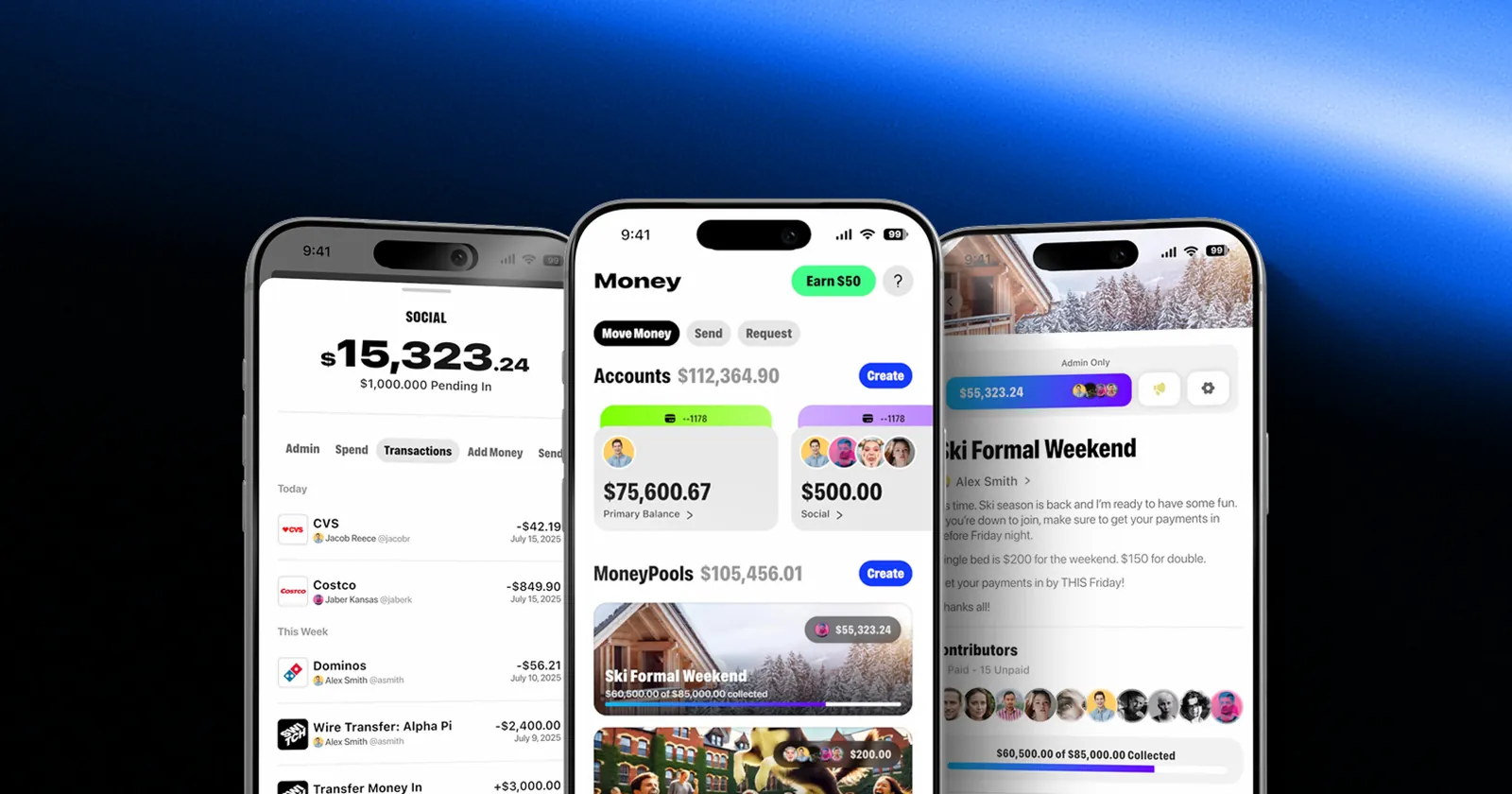
Many startups sell team plans through their own website with per-seat pricing and invoices. If the same product is also on the App Store with multiseat on, an organization can now buy it there at your App Store price. That can be fine, or it can undercut a sales motion you built on purpose. Products with shared money or shared spaces, like the pooled accounts we worked on with Switch, are exactly where team buying makes sense, and exactly where pricing needs a clear owner.
App Store multiseat subscriptions: what to check in your product
The settings take minutes. The product work is where founders get surprised. These checks come from how subscription apps are usually built, not from anything Apple requires, so treat them as a review list:
- Is the subscriber always the payer? Many apps assume the person who bought the subscription is the person using it. With seats bought by an organization, that is no longer true. Find every place your code or your analytics makes that assumption.
- What does a seat holder see on first launch? Someone who gets your app from their IT team skipped your paywall and your pitch. Make sure onboarding still explains the product, and does not ask them to buy something they already have.
- Are you on StoreKit 2? Apple asked developers to prepare by using StoreKit 2. If your purchase code predates it, put the upgrade on the roadmap before group purchases launch this winter.
- Does your backend handle seats changing? Organizations can add and remove seats at any time. A user who loses a seat should land somewhere sensible, not in an error state.
- Do your metrics still make sense? A single purchase can now mean many users. Revenue per user, conversion rate and churn can all shift once teams start buying.
- Is the store page written for teams? A buyer browsing Apple Business is evaluating a tool for their people. Screenshots and copy that only speak to an individual may undersell you. If you are already updating store assets for Apple's new foldable, our notes on iPhone Duo app design cover the screenshot requirement coming in April 2027.
If you are still building your first version
If you have not launched yet, this is the cheap moment to plan for it. Decide during scoping whether your first users are individuals or teams, because that choice shapes onboarding, the data model and the pricing page. It is one of the questions we work through on a King Tide scope call.
You do not need to build team management on day one. You do need a data model where an account and a person are not the same thing, so adding seats later is a feature, not a rewrite. Products with more than one side make the point well. For Inspired we built a Shopify app for merchants and a core web app for the people receiving gifts: the business setting it up and the person using it are different people, and the product has to work for both.
If you are weighing the budget for a first version with payments and subscriptions, our guide on what an MVP costs shows what moves the price, including integrations like payments.
Case study · SwitchBanking built to be shared.See the work
A 30 minute checklist for this week
- Open App Store Connect and review the purchase options on each auto-renewable subscription.
- Decide, per subscription, whether you want multiseat on, and in which markets: App Store, Apple Business, Apple School Manager.
- If you sell team plans on the web, compare your web price with your App Store price for the same number of people.
- If you turned Family Sharing on, confirm multiseat is off and that this is what you want.
- Add the product checks above to your backlog, starting with the payer and user assumption.
- Put group purchase testing on the calendar for November, when the sandbox opens.
The takeaway
Apple just added a team sales channel to every subscription app on iOS, and switched it on for you. For products people use at work or school, that is a gift worth preparing for. For products built around one person, it is a setting worth turning off on purpose rather than discovering later. Either way, make the call now, while turning it off still costs nothing. If you want a senior crew to look at your subscriptions, your onboarding and your data model with you, book a scope call.
Questions founders ask
What are App Store multiseat subscriptions?
They let an organization buy several seats of an auto-renewable subscription in one Apple In-App Purchase. Companies and schools buy through Apple Business or Apple School Manager and assign seats with their device management tools.
Is multiseat purchasing turned on for my app?
Probably. Apple says multiseat purchasing is enabled by default in App Store Connect unless you previously changed the setting. Check the purchase options on each auto-renewable subscription.
What happens if I turn multiseat purchasing off?
According to Apple's App Store Connect API documentation, new multiseat purchases stop and Apple Business Manager and Apple School Manager stop offering the subscription. Existing multiseat subscribers keep renewing at their current seat count but cannot add seats.
When do group purchases launch?
Apple says developers can configure and test group purchases in a Sandbox Apple Account starting in November 2026, and group purchases arrive on the App Store this winter.